A Technical SEO Audit: Twelve Checks That Move Traffic
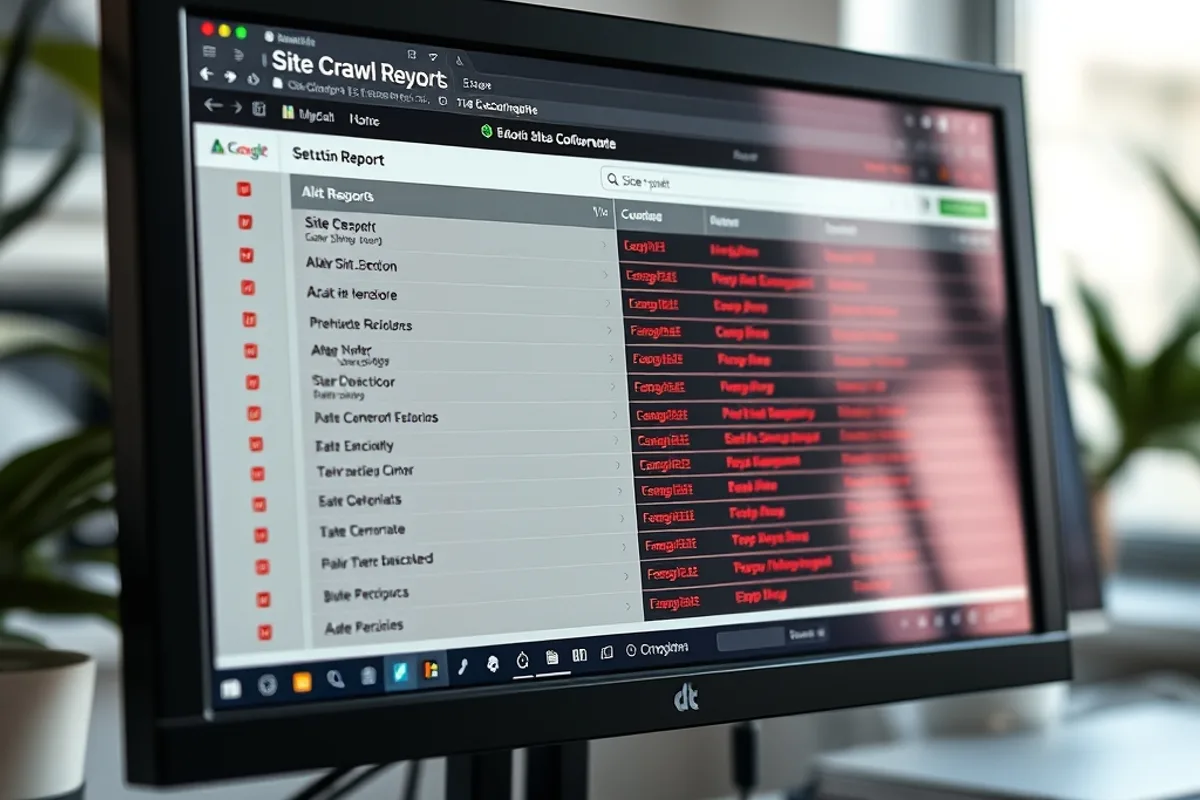
Technical SEO audits have a reputation problem, and it is deserved. Most of them produce a two-hundred-row spreadsheet that nobody reads, mixing harmless warnings with the three issues that are actually costing traffic. The audit is not the deliverable. The ordered fix list is.
What follows is the sequence we run on a site of any size, starting with whether pages can be found and indexed at all, then moving to speed, structure and measurement. Every check has a clear pass or fail, because ambiguity is what turns an audit into a document nobody actions.
1. Confirm indexing before anything else
Open the search console and compare submitted pages with indexed pages. Look for sudden drops after a deploy, which usually mean a stray noindex tag, a robots rule or a broken build. This single check finds more lost traffic than any keyword analysis.
Then spot-check rendered pages, not just the HTML source. If the content only appears after a script runs, make sure the crawler can see the same thing a user sees. A page that renders blank to a bot is invisible, no matter how good the copy is.

2. Fix the robots and noindex conflicts
Robots rules and noindex tags are the two ways a site accidentally hides itself. Check the staging rules did not ship to production, that the sitemap is not blocked, and that key templates are not inheriting a noindex from a parent. This is a five-minute check with a very high hit rate.
Remember that robots.txt controls crawling, not indexing. A blocked page can still appear in results as a bare URL if something links to it. If you want a page gone, use noindex and allow the crawl.
3. Clean up redirect chains
Every redirect costs a request and dilutes clarity. Chains of three or four hops, often left over from a site migration, are common and easy to miss. Crawl the site and list every URL that redirects more than once, then point the first hop directly at the final destination.
Also check for loops and for redirects to soft 404 pages. A redirect that lands on a generic category page is better than a dead end, but it is not the same as a relevant page. If the old content is gone, say so clearly and offer the closest useful alternative.
4. Settle canonicals and duplicates
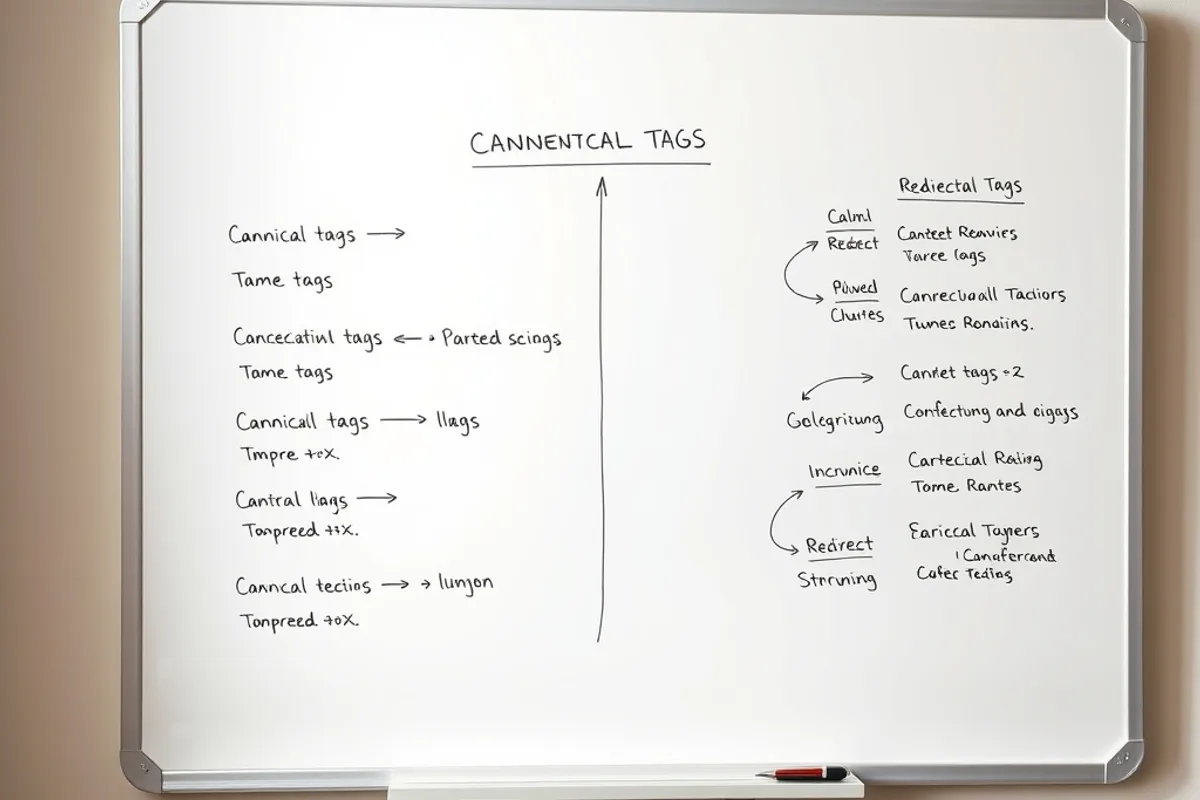
Pick one URL per piece of content and make every other version point to it. That includes trailing slashes, uppercase paths, tracking parameters and paginated archives. Duplicates split signals and waste crawl budget, and they confuse analytics more than they confuse search engines.
Check that canonical tags are self-referencing where appropriate and that they do not contradict the sitemap. A page that canonicals elsewhere but appears in the sitemap sends two different messages, and the search engine will choose for you.

5. Make the sitemap honest
A sitemap should list canonical, indexable, 200-status URLs with a recent lastmod. Old URLs, redirects and noindex pages in the sitemap train the crawler to distrust it. Regenerate it from the live site rather than maintaining it by hand.
For large sites, split it by section and use an index file. For small sites, one sitemap is enough. Either way, submit it and check the coverage report for excluded URLs you did not expect.
6. Check Core Web Vitals on real pages
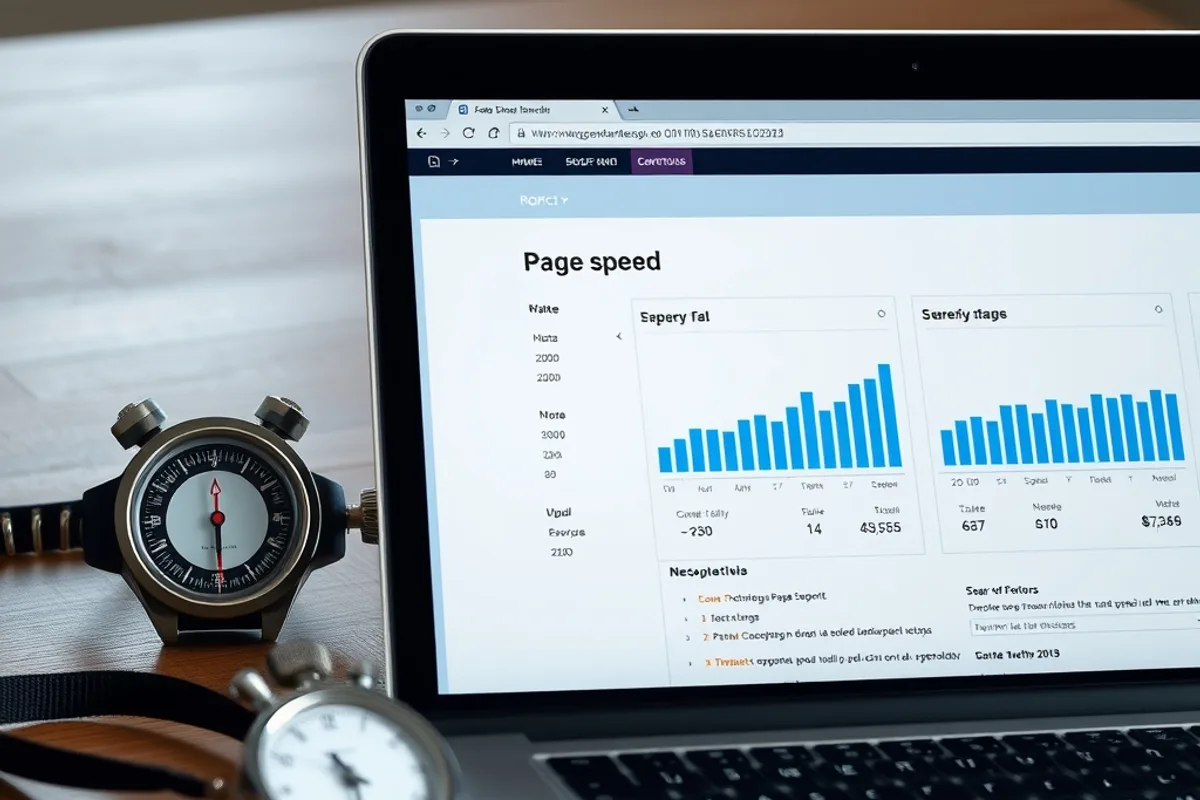
Speed matters most where users actually land. Test the homepage, a category page and your top three articles on a throttled connection. Look at the largest element, layout shifts and interaction delay rather than a single score.
The usual culprits are unoptimised hero images, fonts that block rendering and third-party scripts loaded before content. Fixing one large image per template often does more than weeks of micro-optimisation. Set a performance budget and check it in continuous integration if you have the discipline.
7. Audit titles, descriptions and headings
Titles should be unique, specific and written for a human deciding whether to click. Descriptions should promise something the page delivers. Headings should describe the content below them rather than repeating the brand.
Do not rewrite everything at once, because you will lose the ability to attribute change. Fix the pages that are close to ranking, where a better title or a clearer answer can tip the result.
8. Validate structured data
Article, product, organisation and breadcrumb markup help search engines understand a page. Invalid markup is worse than none, so validate the templates and check that required fields are present and accurate. Do not mark up reviews or ratings you do not have.
9. Check internal links
Important pages should be reachable within a few clicks from the homepage. Look for orphan pages, broken links and anchor text that says "click here". Internal links are the cheapest way to move authority and the easiest thing to neglect after a redesign.
10. Watch mobile rendering
Test on a mid-range phone, not a desktop simulator. Check tap targets, sticky elements that cover content and forms that require zooming. If a mobile user cannot complete the main task, the desktop experience is irrelevant.
11. Verify analytics and tracking
A technical audit that cannot be measured is a rumour. Confirm that page views, conversions and search console data agree, and that consent settings do not silently drop events. Set up alerts for traffic drops so you learn about problems the same day.
12. Write the fix list, not the report
Turn the findings into five actions, ordered by expected impact and effort. Name an owner and a date for each. Everything else goes into a backlog with a note explaining why it is not urgent. An audit that ends with a hundred items ends with none.
The bottom line
Technical SEO is mostly hygiene: let crawlers in, keep one version of each URL, load fast on a phone and measure what happens. Do the twelve checks in order, ship five fixes, then repeat next quarter. Boring, repeatable work is what actually moves traffic.
For official guidance, see Google Search Central crawling and indexing docs.
An audit is not a list of everything wrong. It is a short, ordered list of what to fix first.thorariback Editorial
We cross-check our advice against independent, official sources. For security guidance see the Cybersecurity and Infrastructure Security Agency, and for search documentation see Google Search Central.