Offline-First Apps: Why Local Data Feels Faster and Safer
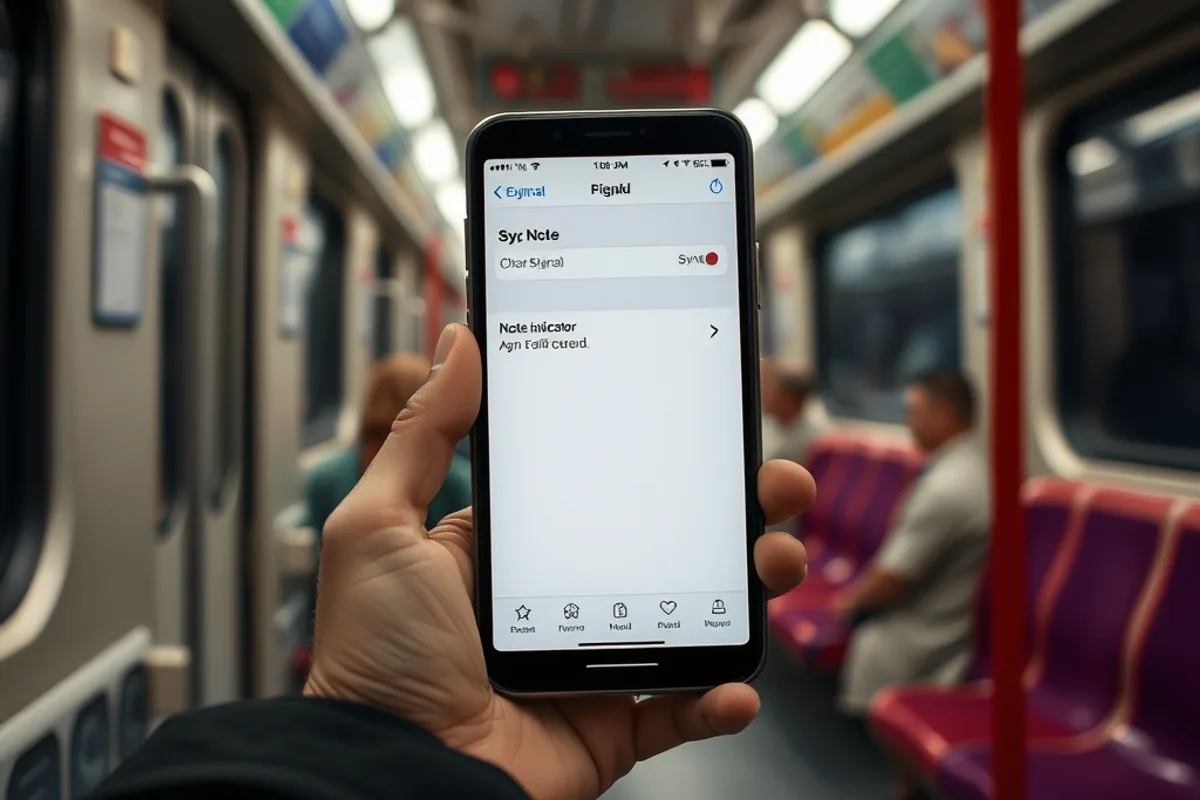
There is a specific kind of frustration that only appears when a network is slow. You tap a note and watch a spinner. You open a map in a car park and get a grey grid. The app is technically online, but it behaves as if the internet is the only place your data has ever existed.
Offline-first apps take the opposite approach. They keep a copy of your data on the device, write changes locally first, and sync when a connection is available. The result feels different in a way you notice immediately: pages open without waiting, and the app keeps working when the signal does not.
What offline-first actually means
The phrase describes an architecture, not a marketing feature. In an offline-first app, the local database is the source of truth for the session. Reads come from the device, writes go to the device, and a background process reconciles with the server later. A traditional app does the reverse: it asks the server first and treats the device as a thin window.
This is why offline-first apps feel fast even on good connections. There is no round trip before the screen fills, so a note opens in milliseconds rather than in whatever time the network happens to allow that morning.

Where it genuinely matters
Field work is the obvious case. Delivery drivers, surveyors, warehouse staff and anyone photographing evidence in a basement benefits from an app that records first and uploads later. Travel is another: downloaded maps, tickets and translations need to work when roaming is off and the local network is hostile.
Everyday use matters too. Notes, tasks, shopping lists and reading apps all feel better local-first because the work is small and the network is unpredictable. If an app makes you wait to type a sentence, it is doing something wrong.
The test is simple. Put the phone in aeroplane mode, open the app and try the main task. If the app becomes a museum of empty boxes, your data does not live on your device. If it works and syncs later, you have found an offline-first design.

The sync problem nobody advertises
Local-first design moves the hard problem to sync. Two devices editing the same note offline will eventually disagree, and the app must decide what wins. Good apps merge changes at the field level or keep both versions visible. Bad apps silently overwrite the older edit, which is how people lose work.
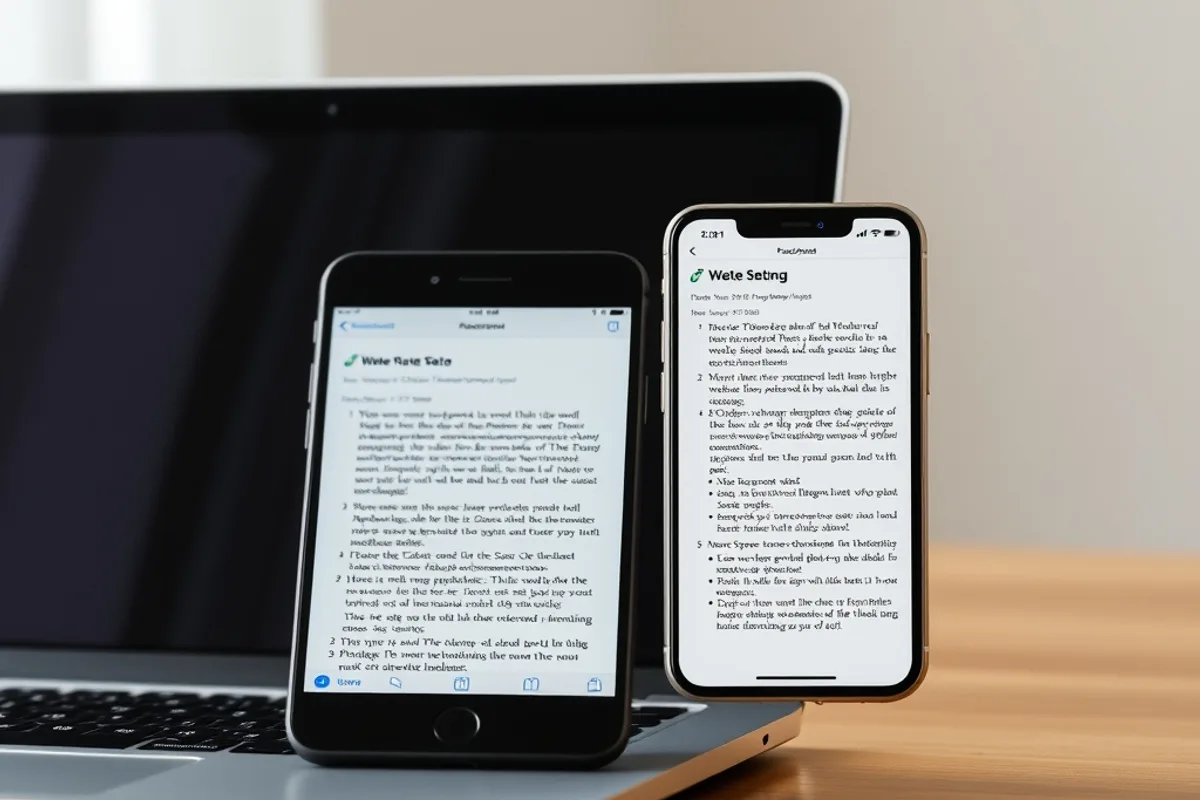
Ask what happens when you edit on a phone and a laptop at the same time. If the answer is vague, test it. Create a note, edit it on both devices with the network off, then reconnect and look at the result. A serious app will show a conflict rather than pretending nothing happened.

Security and ownership
Keeping data on the device is good for privacy, but only if the device is protected. Check whether local storage is encrypted and whether the app requires a passcode or biometric unlock. A local database is still readable if someone has the unlocked phone and the right tools.
Also check the export story. Offline-first apps should let you take your data out in a standard format, because local storage is not a backup. If the phone is lost and the sync account is the only copy, you need to know that before it happens, not after.
How to choose
Prioritise offline-first for anything you do in a hurry or away from reliable signal: notes, tasks, maps, field capture and reading. Accept a lighter local cache for things that are inherently live, such as chat, banking and social feeds, where freshness matters more than instant paint.
Then check three details before you commit: does it work in aeroplane mode, does it handle conflicts visibly, and can you export everything. An app that passes all three is likely to be around in a few years, because it was built for the network we actually have rather than the one in the advertisement.
The bottom line
Offline-first is not a buzzword, it is a design decision with visible consequences. Your data lives with you, the app opens before the network answers, and dead zones stop being emergencies. Choose it where reliability matters, and accept a little complexity in exchange for a lot less waiting.
For official guidance, see web.dev offline-first guidance for app developers.
An app that works with the network off tells you the truth about where your data actually lives.thorariback Editorial
We cross-check our advice against independent, official sources. For security guidance see the Cybersecurity and Infrastructure Security Agency, and for search documentation see Google Search Central.