Passkeys in 2026: A Practical Migration Plan for Accounts
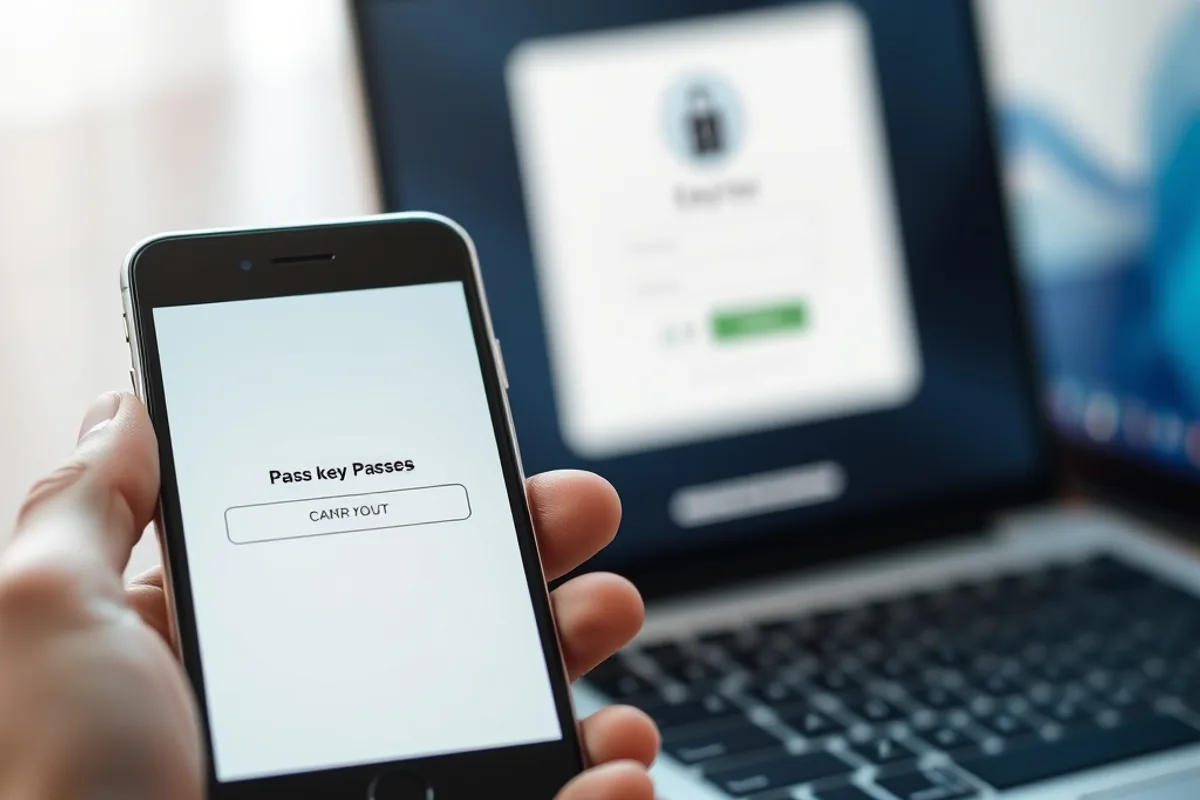
Passkeys have been promised for years and have finally become ordinary. Major email providers, banks, shops and workplace tools now offer them, and the experience, when it works, is genuinely better: you unlock a device with your face or fingerprint and the login is done, with nothing to remember and nothing to phish.
The problem is the migration. Move too fast and you can lock yourself out of an account on a device you no longer have. Move too slowly and you keep using the weakest link in your security chain. This guide is the order we use, built around one rule: never remove an old way in until the new one has been tested.
Understand what a passkey is
A passkey is a private key stored on your device, paired with a public key held by the website. The site never sees the private key, so there is nothing to steal from a database and nothing useful to type into a fake page. Sign-in happens through a local unlock, and the browser confirms which site is asking.
The practical consequence is that the passkey lives somewhere: in a phone, a laptop, a password manager or a hardware key. That is why the first decision is where your passkeys will live, and whether they sync between devices. Syncing is convenient and usually safe; a single hardware key is more resilient to account takeover but easier to lose.

Start with the account that resets everything
Your primary email is the master key to your digital life, because most resets arrive there. Enable a passkey there first, then keep the existing password and two-factor method active until you have signed in successfully from at least two devices.
Do not test this on a shared or borrowed device. A passkey is bound to the device and the account signed into it, and combining those two on a machine you do not control is how people create confusion for themselves. Use your own phone and your own laptop, and confirm both work before changing anything else.
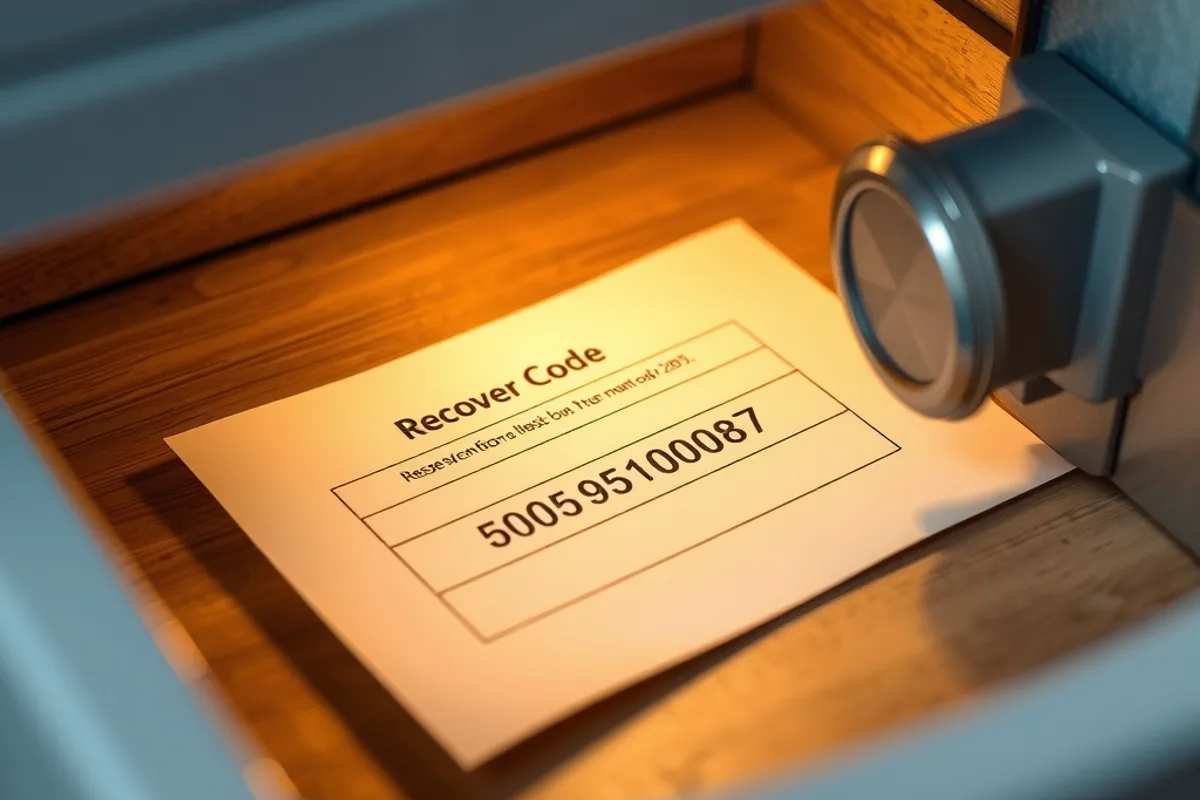
If the service offers recovery codes, print them. A printed code in a drawer is unglamorous and effective, and it is the one path that does not depend on a device, a battery or a network.
Then banking, then everything else
Banking apps are next, because they combine money with strict device checks. Register the passkey on the phone that holds the banking app, then verify that the web login still works. Keep the card reader or one-time code method available for a week, and only remove it when you have completed a real transaction end to end.
After those two, work outward: shopping accounts with saved cards, cloud storage, work tools, social accounts. Do the important ones first, and accept that long-tail accounts will take a year to migrate. There is no prize for finishing the list, only a lower chance of losing access.
Plan for the lost phone
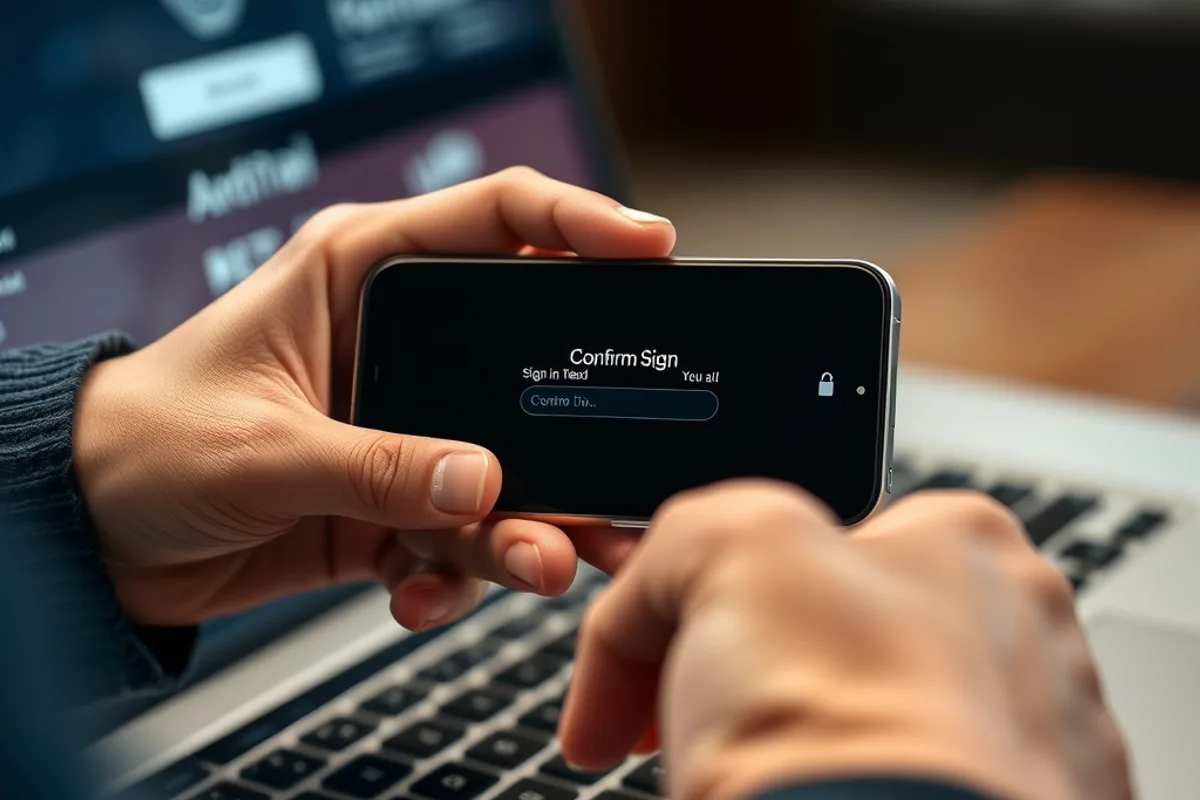
Every passkey plan needs a lost-device plan. If your passkeys sync through a password manager, you need your manager's recovery method and a second device already signed in. If they live on a single phone, you need a hardware key or a second phone registered as a backup.
Test the recovery path before you need it. Sign out of one device and sign back in using the backup method. Most people discover a broken recovery setup only during an emergency, when the pressure is highest and the options are fewest.
The shared-device trap
Passkeys make sharing a device awkward. A family tablet signed into one account will offer that account's passkeys to whoever holds it. If you share a computer, use separate operating system accounts, or keep passkeys off that machine entirely.
The same applies to second-hand devices. Before you sell or return a phone, remove passkeys and sign out of services, not just factory reset. A passkey tied to an account you no longer control can block a future owner, and a leftover credential can become a support nightmare for you.
Where passwords still make sense
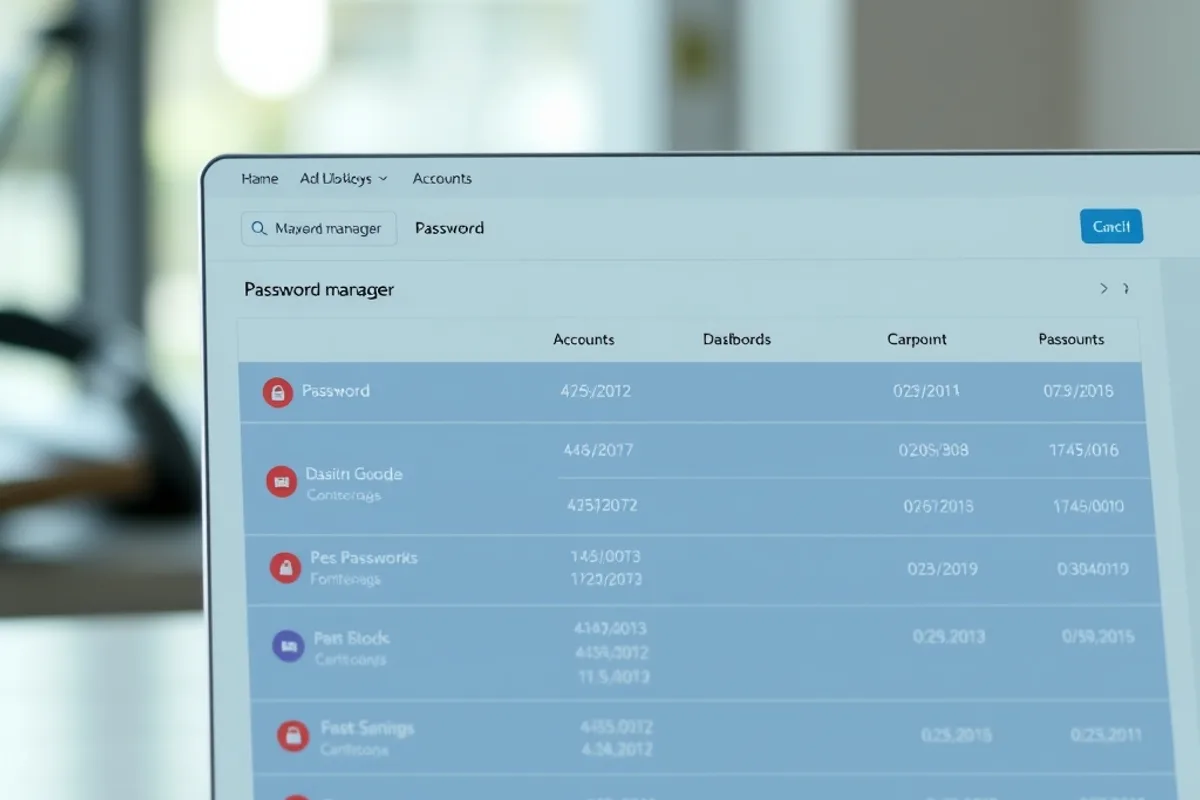
Some sites do not support passkeys, and some never will. Keep a password manager for those, generate unique passwords, and do not reuse anything. The goal is not zero passwords, it is fewer places where a stolen password can be used.
For accounts you rarely use, long random passwords stored in the manager are fine. For accounts you log into on multiple platforms, passkeys are the better default. Judging each account on how often you use it and how much damage a takeover would cause is the whole skill.
The bottom line
Passkeys are a clear improvement, but only with a migration plan. Start with email, keep the old method until the new one is tested, print your recovery codes and rehearse losing a phone. Do that and you get the convenience without the dramatic lockout story.
For official guidance, see CISA guidance on strong authentication.
A passkey removes the password from the login, not the need for a recovery plan.thorariback Editorial
We cross-check our advice against independent, official sources. For security guidance see the Cybersecurity and Infrastructure Security Agency, and for search documentation see Google Search Central.