App Subscription Fatigue: How to Cut the Monthly Stack
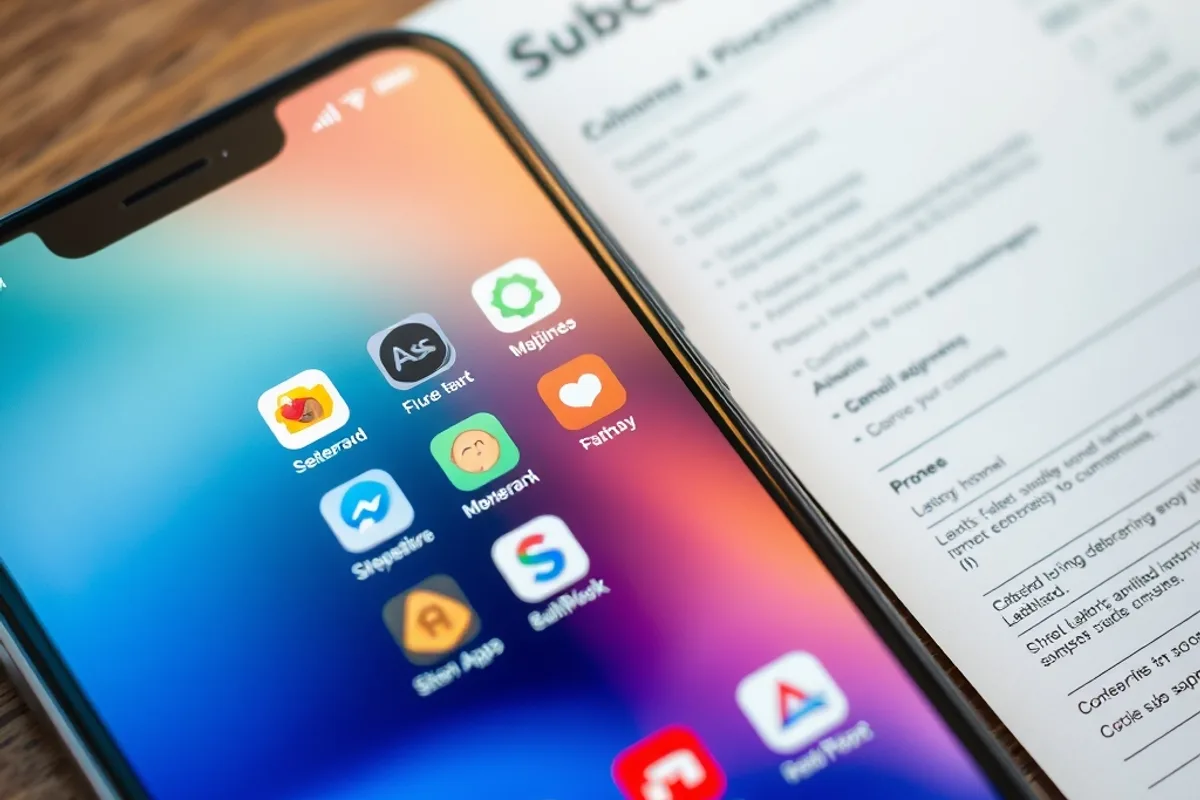
A phone in 2026 is less a device than a small portfolio of monthly charges. Photo editors, scanners, note apps, habit trackers, cloud storage and one more AI assistant, each a few dollars a month, each easy to forget. Individually they look harmless. Added together they often cost more than the phone's data plan.
This is not a story about being bad with money. It is a story about how app stores make spending frictionless and cancelling deliberately awkward. The fix is a short audit you can do once, then a few habits that stop the stack from rebuilding itself.
Start with the receipts, not the home screen
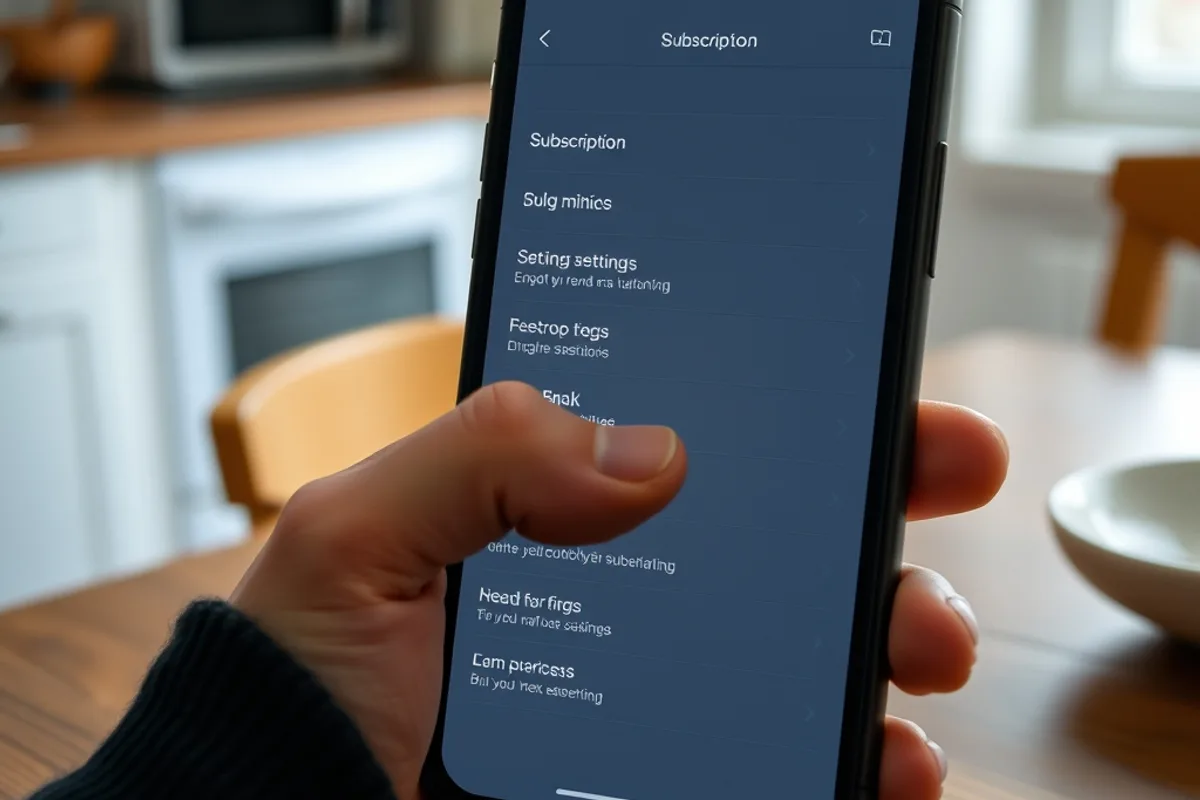
Your home screen lies. It hides apps inside folders, and it says nothing about annual plans charged last month. Start instead in the subscription section of your app store and your payment settings, which lists active charges rather than installed icons.
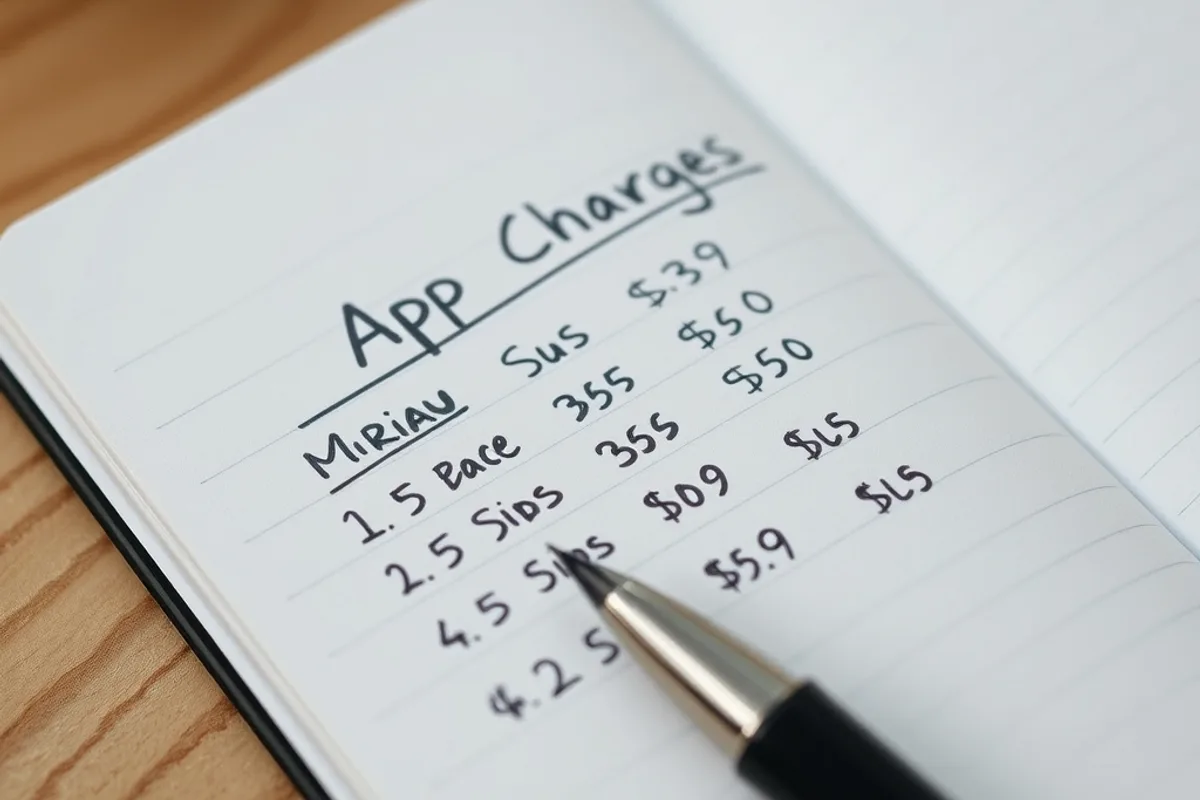
Write down three columns: what the app does, what it costs per month, and when you last opened it. Be honest about the last column. Most people find two or three apps they have not opened since the free trial ended, and one annual plan they bought for a single project and never cancelled.
Find the duplicates
Duplicates are the quietest waste. It is normal to have two photo editors, two cloud drives and three note apps, each covering part of the same job. Pick one for each job and migrate. The migration takes an evening; the saving lasts years.
Be equally suspicious of features you pay for in one app that come free in another you already own. Transcription, scanning, basic photo cleanup and simple automation are now built into operating systems. Check what your phone ships with before you subscribe to a thinner version of the same thing.
There is a practical rule that works well: if you cannot name the last time you used a premium feature, the free tier is enough. Pay for output, not for the possibility of output.
Annual plans, trials and the silent conversion
Annual plans are usually cheaper per month and much worse for experimentation. A trial that converts to an annual charge is the single most expensive trap in mobile software. If you want to test something, use a monthly plan or a trial with a calendar reminder two days before it ends.
Read the renewal terms before you tap subscribe. Some apps require cancellation a set number of days before renewal, and some make you cancel through a website rather than the store. Screenshot the terms and the cancellation path when you sign up, because future you will not remember which one applies.
Replace before you cancel
The reliable way to drop a paid app is to install and learn the replacement first. Cancel after a week of using the free tool, not before. That order avoids the panic re-subscribe that happens when you need to send an invoice and the app you relied on is suddenly read-only.
For storage, the free tier of a major cloud service plus local backups covers most people. For notes, a plain text file synced through your existing account is more durable than a niche app with a subscription. For photos, check whether your phone already includes editing tools that do 90 percent of what the paid app advertises.

Build a stack that stays small
Choose one app per job and set a monthly review. A single repeating reminder is enough: open the subscription list, cancel anything unused, and check that the total is a number you would agree to if a friend proposed it. This takes ten minutes and prevents the slow creep.
Prefer apps that work without an account where possible, and prefer one-time purchases when the developer offers them. A small independent developer selling a one-off tool is often a better long-term deal than a venture-funded app that must grow revenue every quarter.
The bottom line
Subscription fatigue is not solved by willpower. It is solved by looking at the actual charges once a quarter, replacing duplicates with tools you already have, and refusing annual trials you did not plan for. Do that and your phone becomes cheaper, faster and easier to use, because every app left on it is one you chose.
For official guidance, see FTC advice on auto-renewals and trial subscriptions.
The cheapest app is the one you already own, and most phones ship with a free version of what you are paying for.thorariback Editorial
We cross-check our advice against independent, official sources. For security guidance see the Cybersecurity and Infrastructure Security Agency, and for search documentation see Google Search Central.